


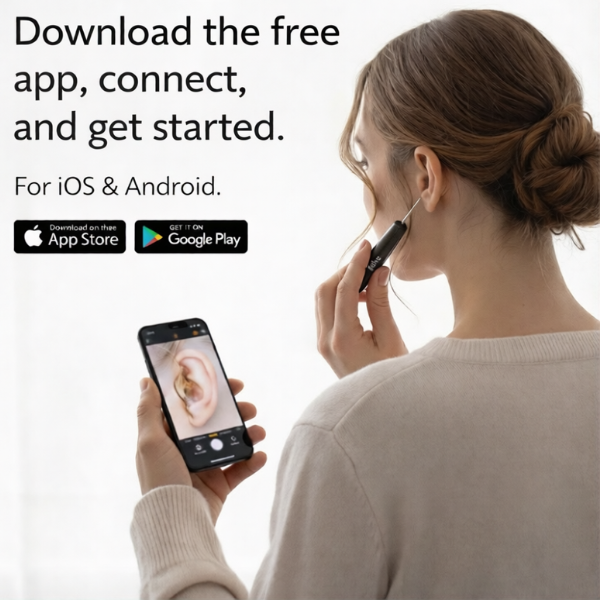


Step 1: Download the App
. Scan the QR code found on the instruction manual.
. Open the free app on App Store (iOS) or Google Play Store (Android).
Step 2: Power On the Device
. Remove the cap from the ear-cleaning tool.
. Press and hold the power button on the device. A light should turn on at the tip, and the power indicator will glow blue.
Step 3: Connect via Wi-Fi
. Open the app on your phone.
. Tap the "Connect Device" button on the screen.
. This will take you to your phone's Wi-Fi settings. Look for the network and select it.
Note: If your phone warns that the network has no internet access, select "Connect" or "Keep" to maintain the link.
Step 4: Start the Visual Feed
. Navigate back to the free app.
. The status should change to "Connected."
. Tap the center play icon or the "Start" button to see the live camera feed from the device on your phone screen.
Quick Tips for Use
. Charging: Ensure the device is charged before use. Do not use the device while it is charging.
. Cleaning: Gently wipe the camera lens before use to ensure a clear image.
. Orientation: You can toggle between "Left Ear" and "Right Ear" modes within the app to keep the camera orientation intuitive.